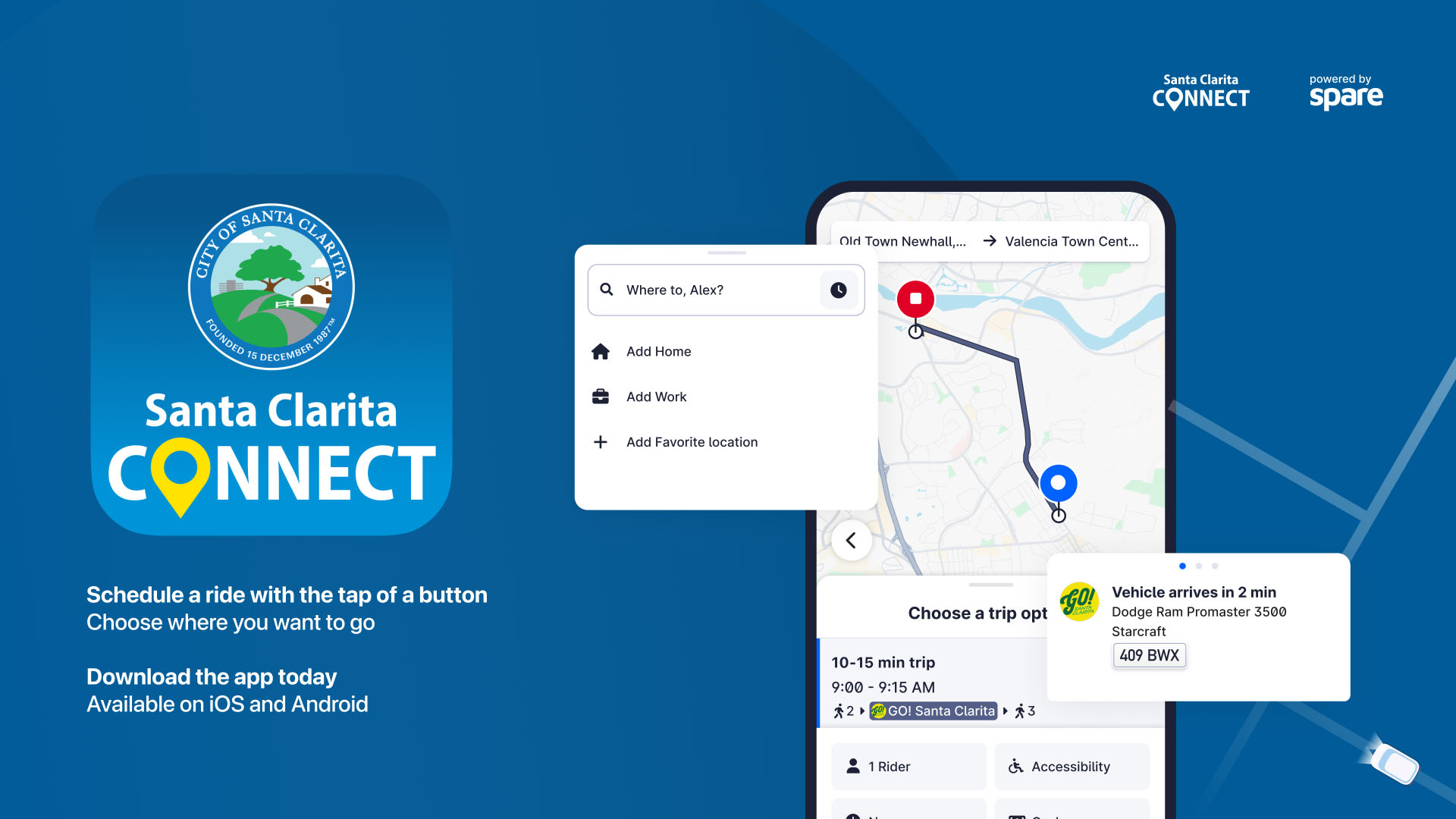
The city of Santa Clarita will introduce a new way to book local transit on Wednesday, Oct 1. Santa Clarita Connect brings together three key ride services from Santa Clarita Transit, Go! Santa Clarita, Dial-A-Ride and Access Services, all into one convenient mobile app.
Santa Clarita Connect makes it simple for riders to plan and manage trips. Whether scheduling a same-day Go! Santa Clarita ride or reserving a DAR or Access trip up to a week in advance, users can now do it all in one place.
The new app builds on the success of the current Transit On-Demand app and offers several key improvements:
Quicker Pickups – Enhanced dispatch technology gets vehicles to riders more quickly.
More Rides – Smarter software keeps more of the fleet in motion, creating additional ride opportunities.
More Services – The platform is designed to grow, with the ability to add future on-demand options.
Getting started is simple. New users can download the Santa Clarita Connect app from app stores and start booking trips.
Existing Go! Santa Clarita using Transit On-Demand will have their app updated automatically.
To book Dial-A-Ride and Access trips, new eligible riders can register with Santa Clarita Transit to have these services appear within the app. Eligible riders previously registered can start booking Dial-A-Ride and Access trips right away.
When booking a ride, choose your preferred payment method in the app. Payment will be collected at boarding. Options include cash, a physical TAP card, the TAP mobile card app or Token Transit.
Whether scheduling same-day Go! Santa Clarita or planning a Dial-A-Ride or Access trip in advance, Santa Clarita Connect brings everything together, one app, one easy process.
For more information and step-by-step instructions, please visit SantaClaritaTransit.com or call (661) 294-9327.
Like this:
Like Loading...
Related





 Tweet This
 Facebook
 Digg This
 Bookmark
 Stumble
 RSS
RSS



























REAL NAMES ONLY: All posters must use their real individual or business name. This applies equally to Twitter account holders who use a nickname.
0 Comments
You can be the first one to leave a comment.